Starter Site begins with installing Hugo on your developing computer. You can use all the popular platforms Windows, Apple, or Linux. Go to gohugo.io and you will find on the home page instructions for installing Hugo on your platform. If you plan on working with SASS then make sure you install the extended version. Once installed run this command: hugo version and you should get back something like this: Hugo Static Site Generator v0.80.0/extended linux/amd64 BuildDate: 2020-12-31T20:02:59Z. As an aside you will notice that I am using Linux while most online web instuctors use a Mac which is kind of counter intuitive since most web servers run on Linux.
Once hugo is installed in a folder that you want to work in run this command: hugo new site starter. The starter id the name that I gave to the hugo app and can be any name that works for you. Then move into the site that you just built. You will now see the hugo framework scaffolding which is empty at the moment. To get something running you can either build your own custom theme or use one of the communities pre-built themes. I will use a port of the Tale theme for Hugo. Tale is a minimal Jekyll theme curated for storytellers. This theme can be founf at themes.gohugo.io/tale-hugo. In the hugo site folder run this: git clone https://github.com/EmielH/tale-hugo.git themes/tale.
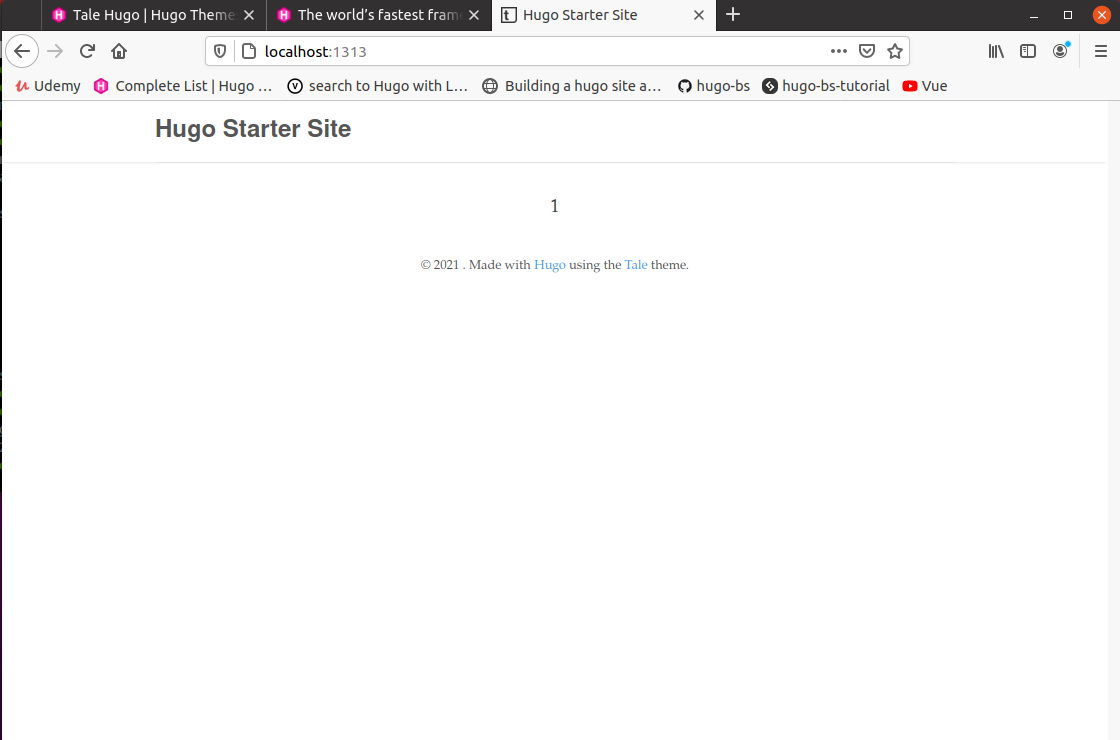
Then open up the config.toml file and add this line at the bottom: theme = “tale”. You can also change the title at this time if you choose. Next run this command to get a hugo server running: hugo server and the go to localhost:1313 and you will see this.